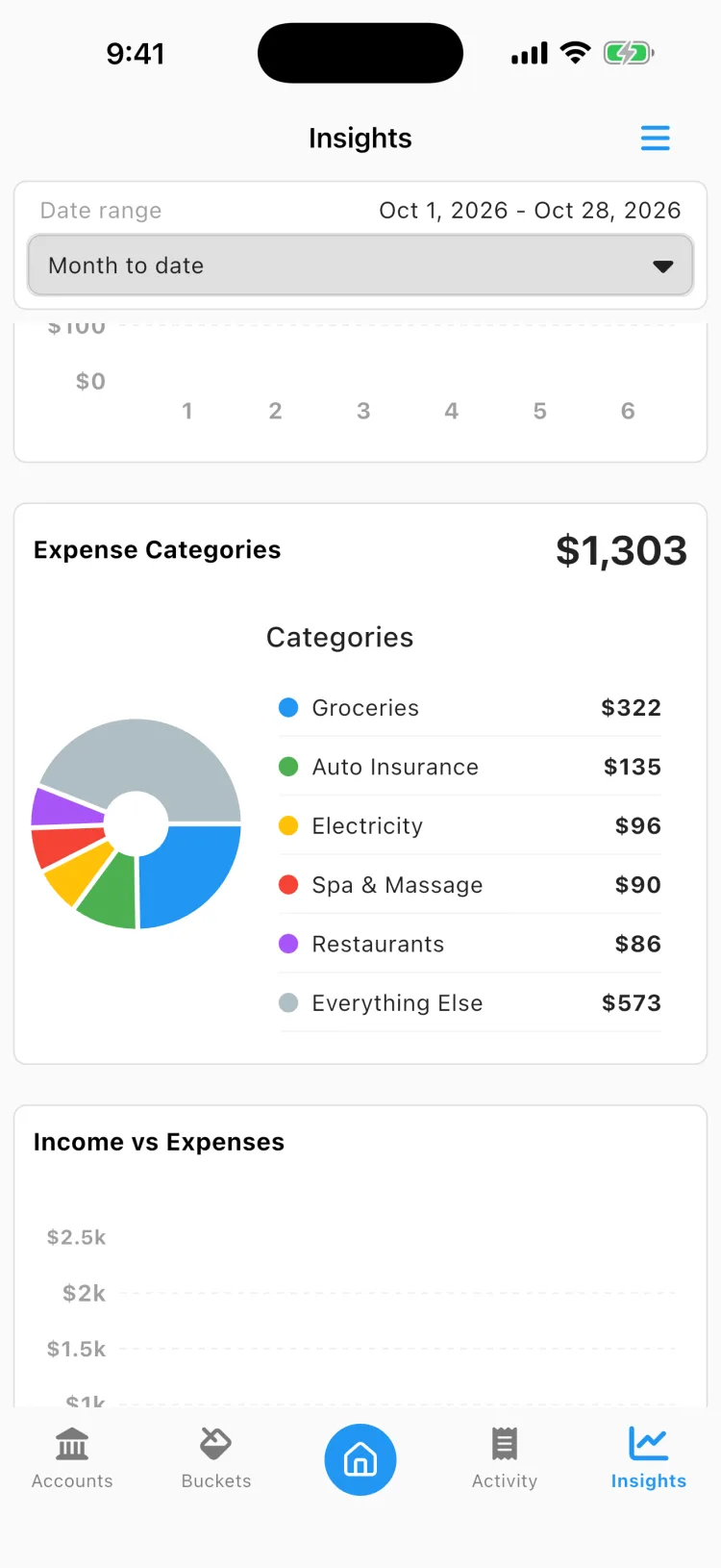
DAS Budget is now Beacon Budget! Same app, new name.

Never wonder what you can
Spend Afford Buy

Beacon protects the money you've already promised to bills and goals, so what's left is genuinely yours. Automatic funding and secure bank sync, on iOS and Android.

Get Started
Download on the App Store Get it on Google Play

Free for 30 days, then $4.99/mo. Cancel anytime.

header-screen header-screen header-screen

About Beacon Budget

Beacon Budget is reimagining envelope budgeting. Some of the money sitting in your account isn't really free to spend. Rent is in there. So is the car payment, the annual car registration, and the gifts you'll buy over the holidays. Beacon sets that money aside for you as you get paid, so the number you see is what's genuinely yours.

How Beacon Budget works

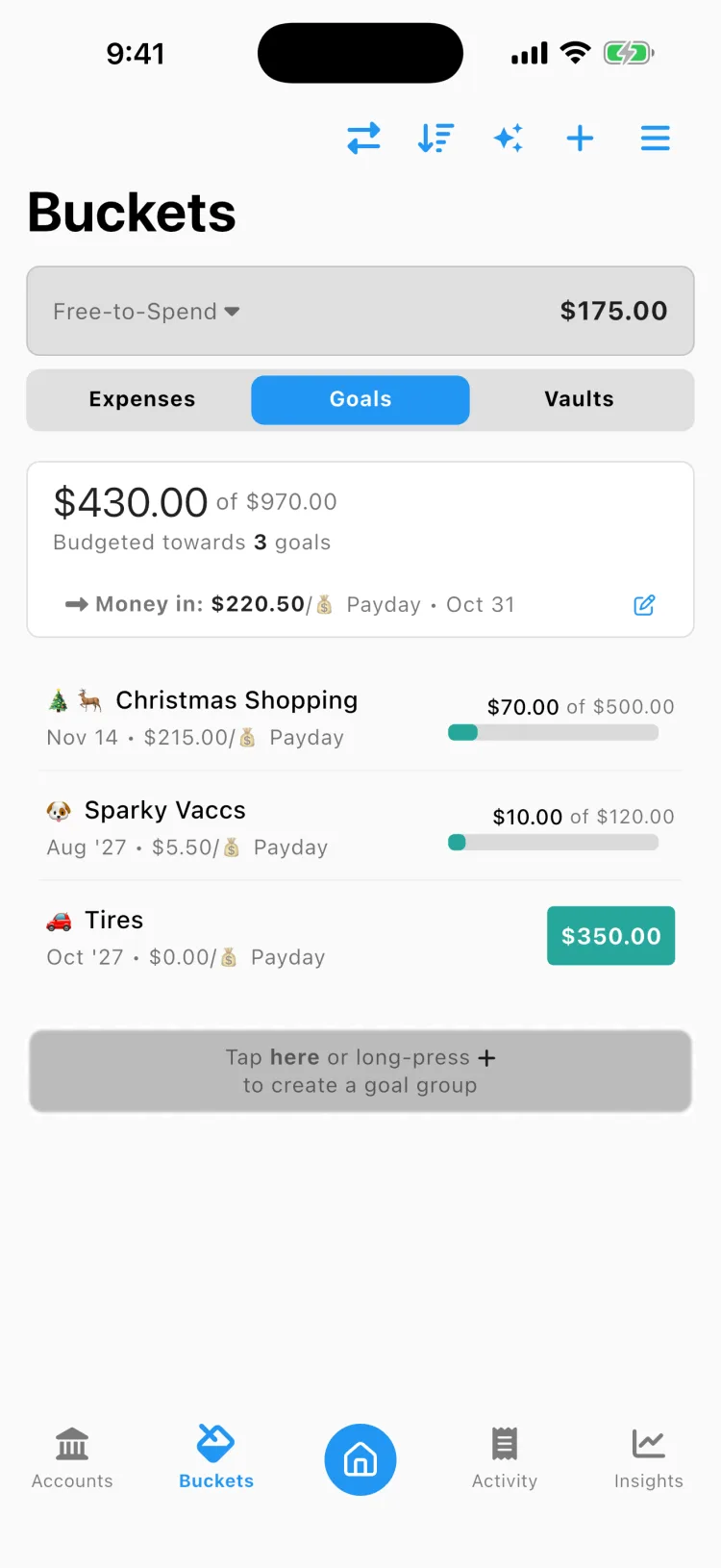
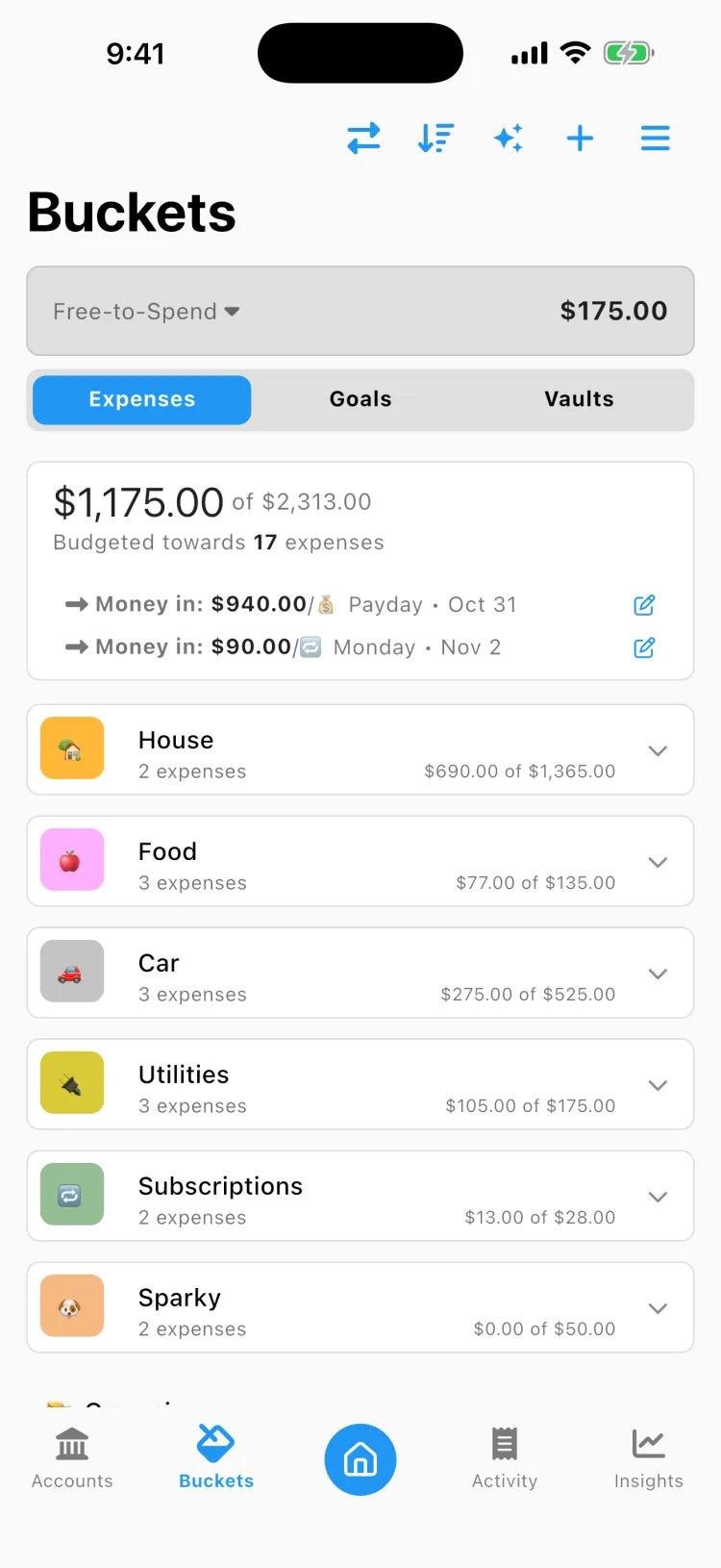
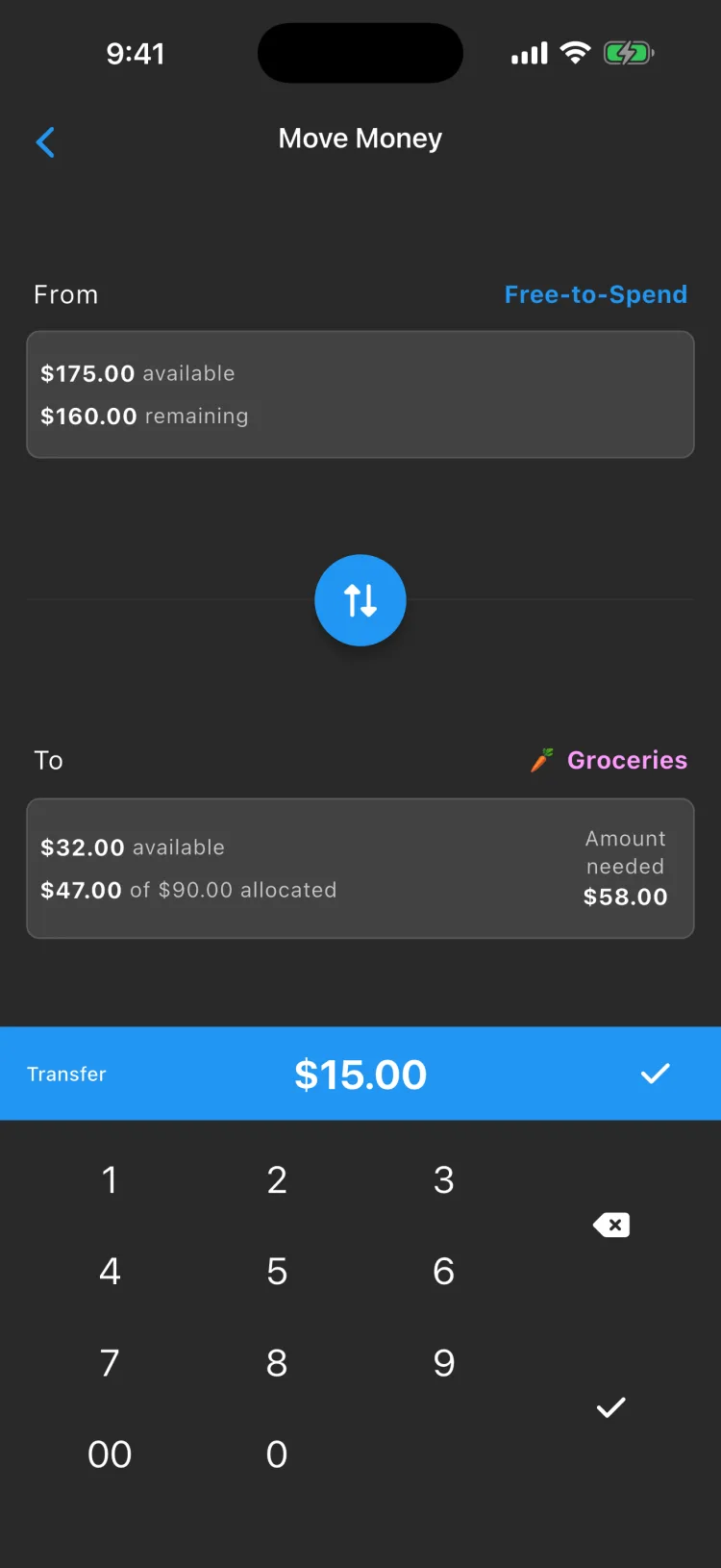
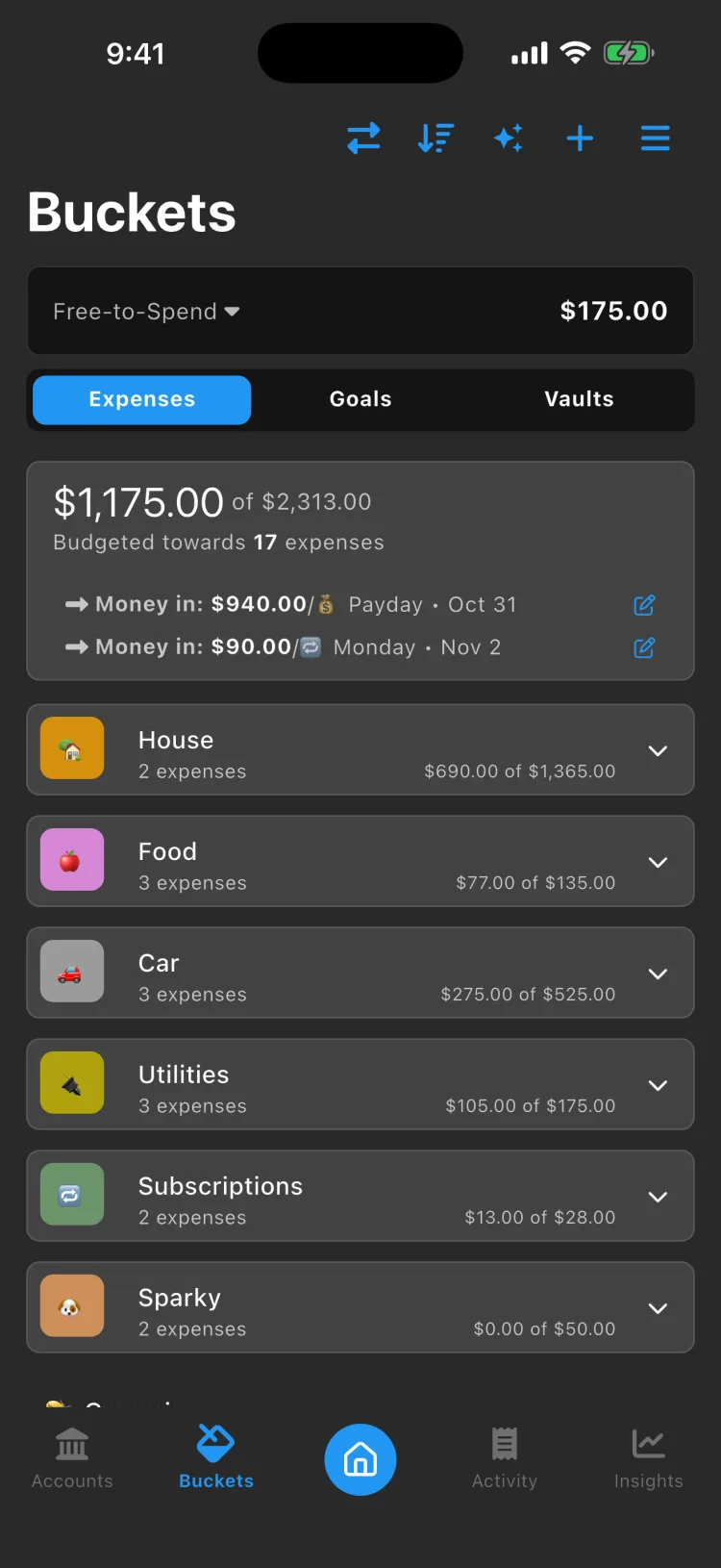
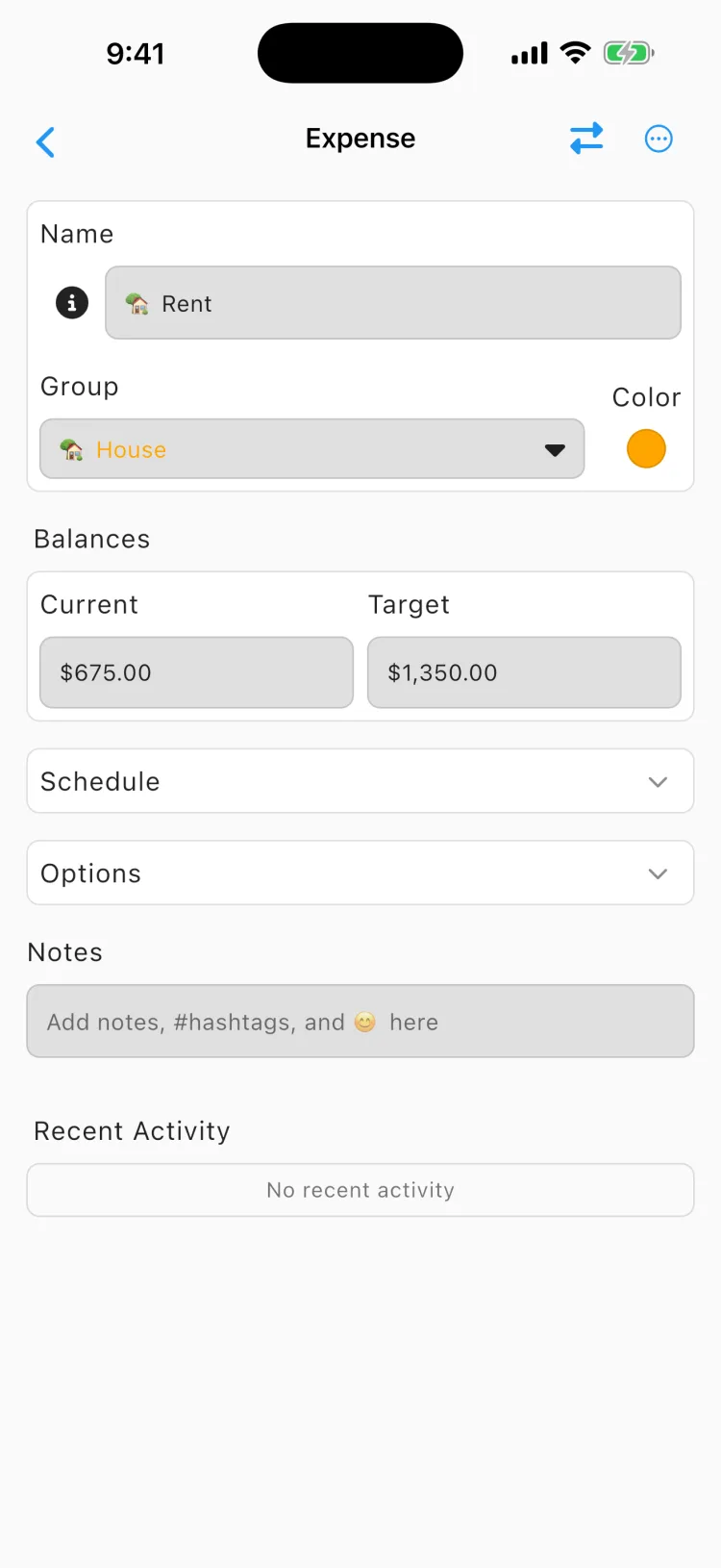
Beacon Budget builds on the concept that budgeting doesn't need to be complex. Simply create your expenses for the month, associate a funding schedule (every payday, for example) and it automatically handles funding for your bills. Each budget is linked to a spending category where any transaction with that category will automatically spend from that bucket. Categories include rent, groceries, fast food, auto insurance, gas, investments, credit card payments, shopping, pet supplies, and more.

Free-to-Spend is the concept of knowing how much money you can safely spend without dipping into your expense or goal money. This Free-to-Spend number is automatically calculated each time the app is opened to give you the most up-to-date amount and allow you to confidently make purchases.


Download

about-video

How Beacon works

Three steps to a number you can trust.

1
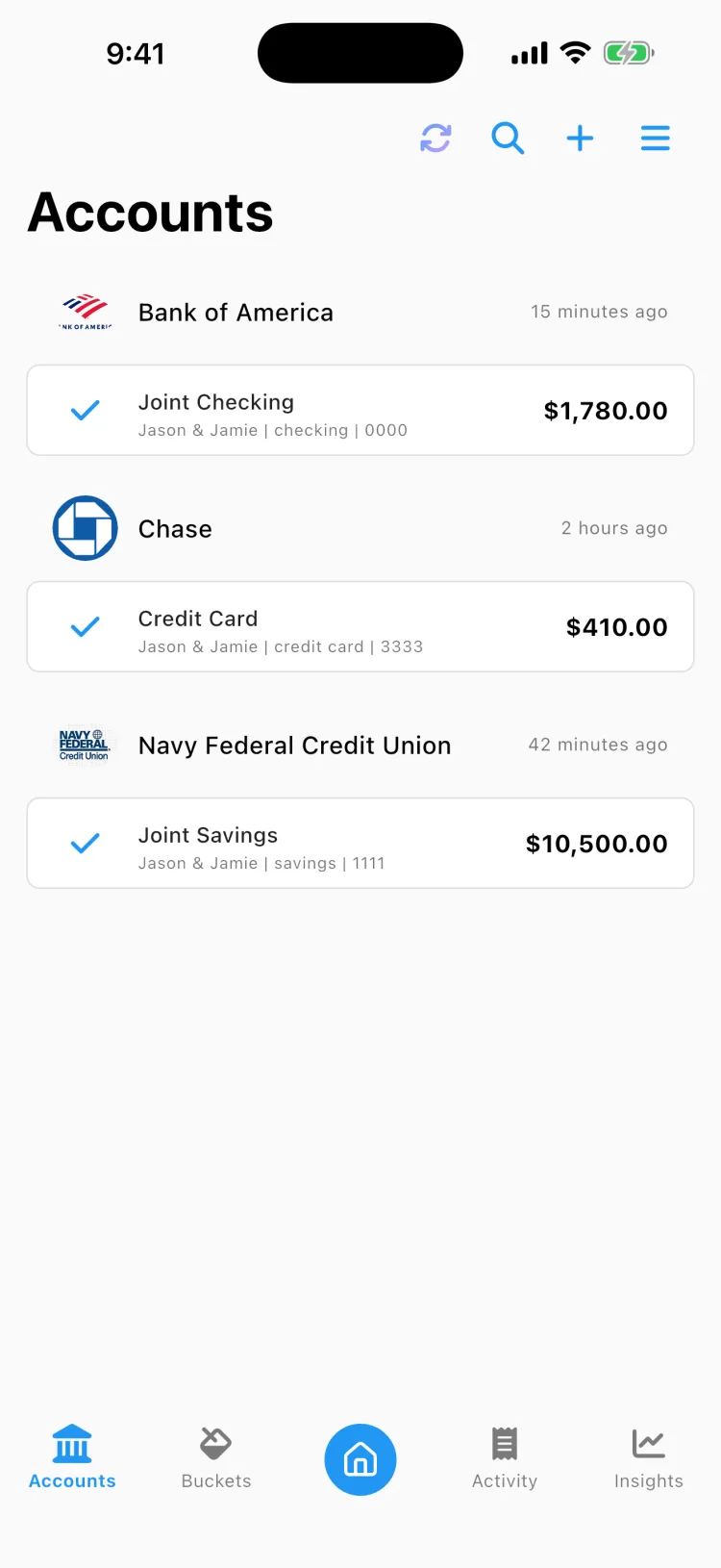
Connect your bank

Securely link your accounts through Plaid or MX. Beacon reads your transactions to help you budget. It can never move your money.

2
Set your expenses

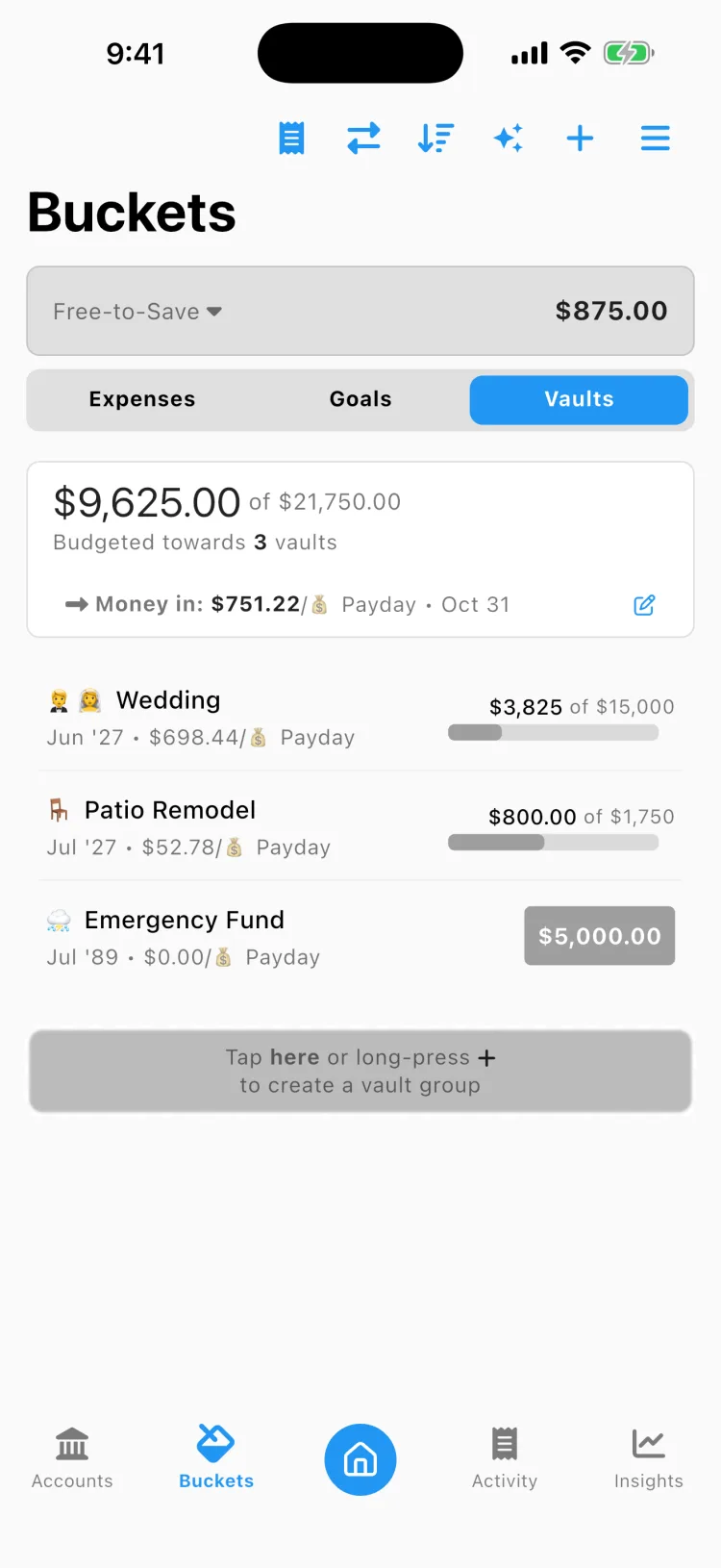
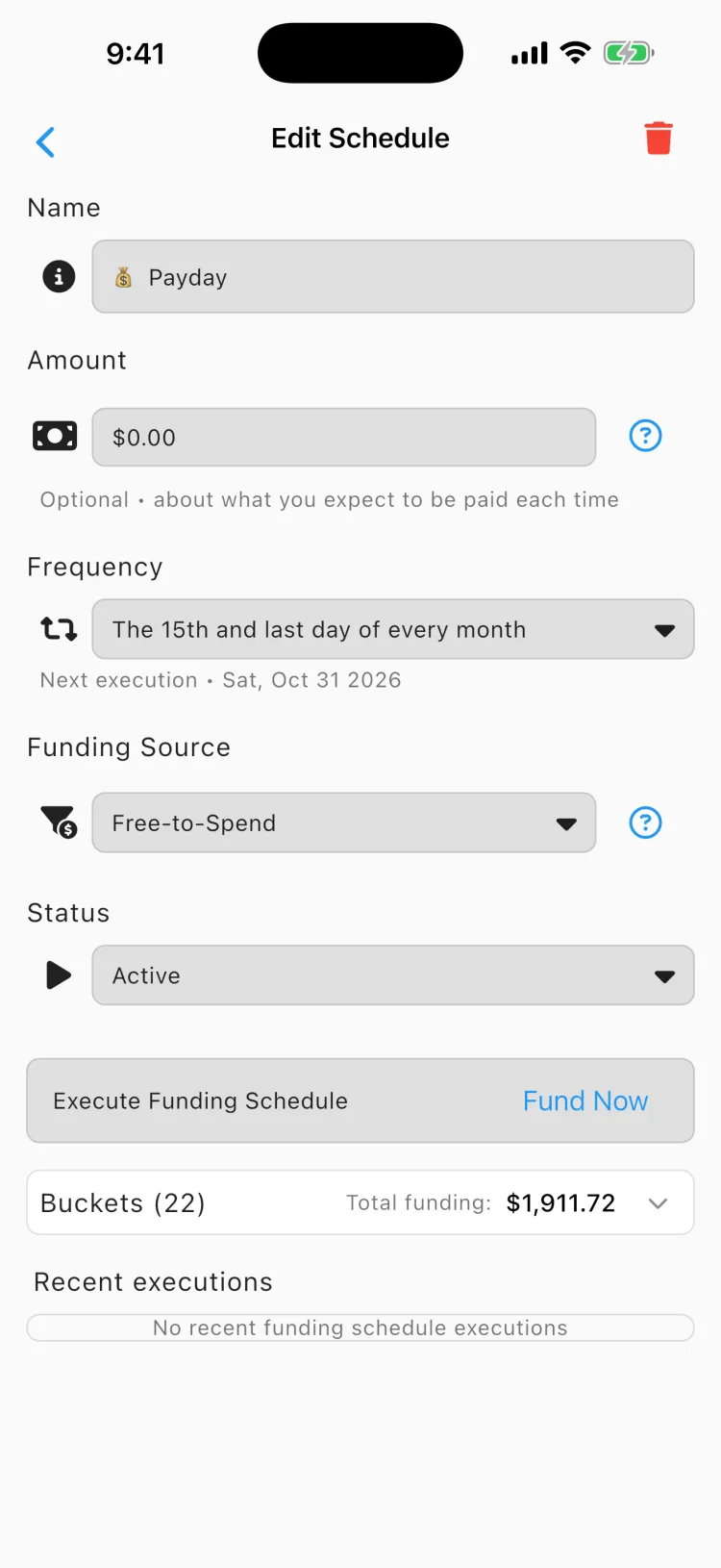
Create buckets for your bills and goals, each with a due date and a funding schedule tied to your paydays.

3
Let it fund itself

Beacon sets money aside automatically and shows what's truly free to spend. No manual entry, no spreadsheets.

Features

Free-to-Spend

Quickly know how much money you can safely spend without affecting money set aside for bills and goals.

Auto-Fund Buckets

Never worry about moving money into buckets. Buckets will automatically fund when attached to a funding schedule.

Spend from Buckets

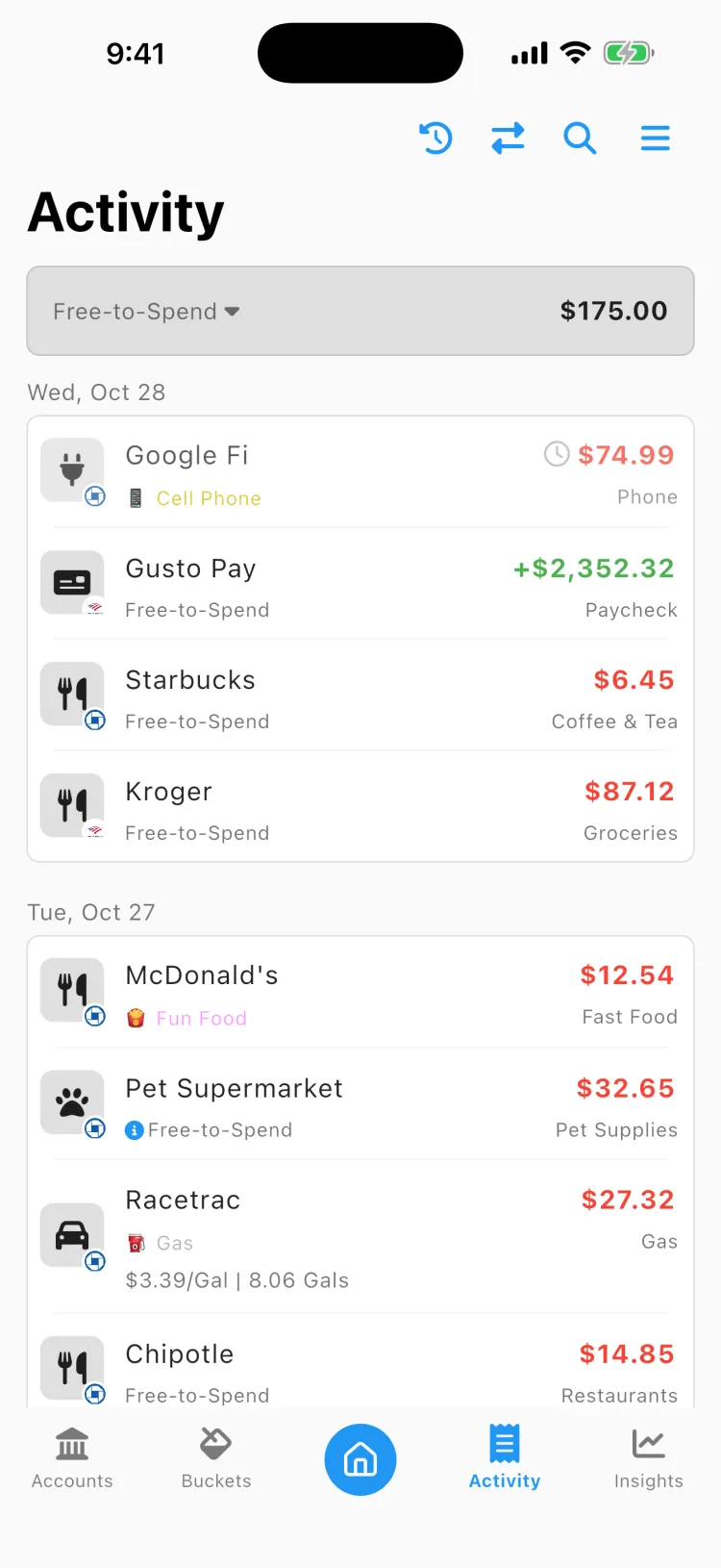
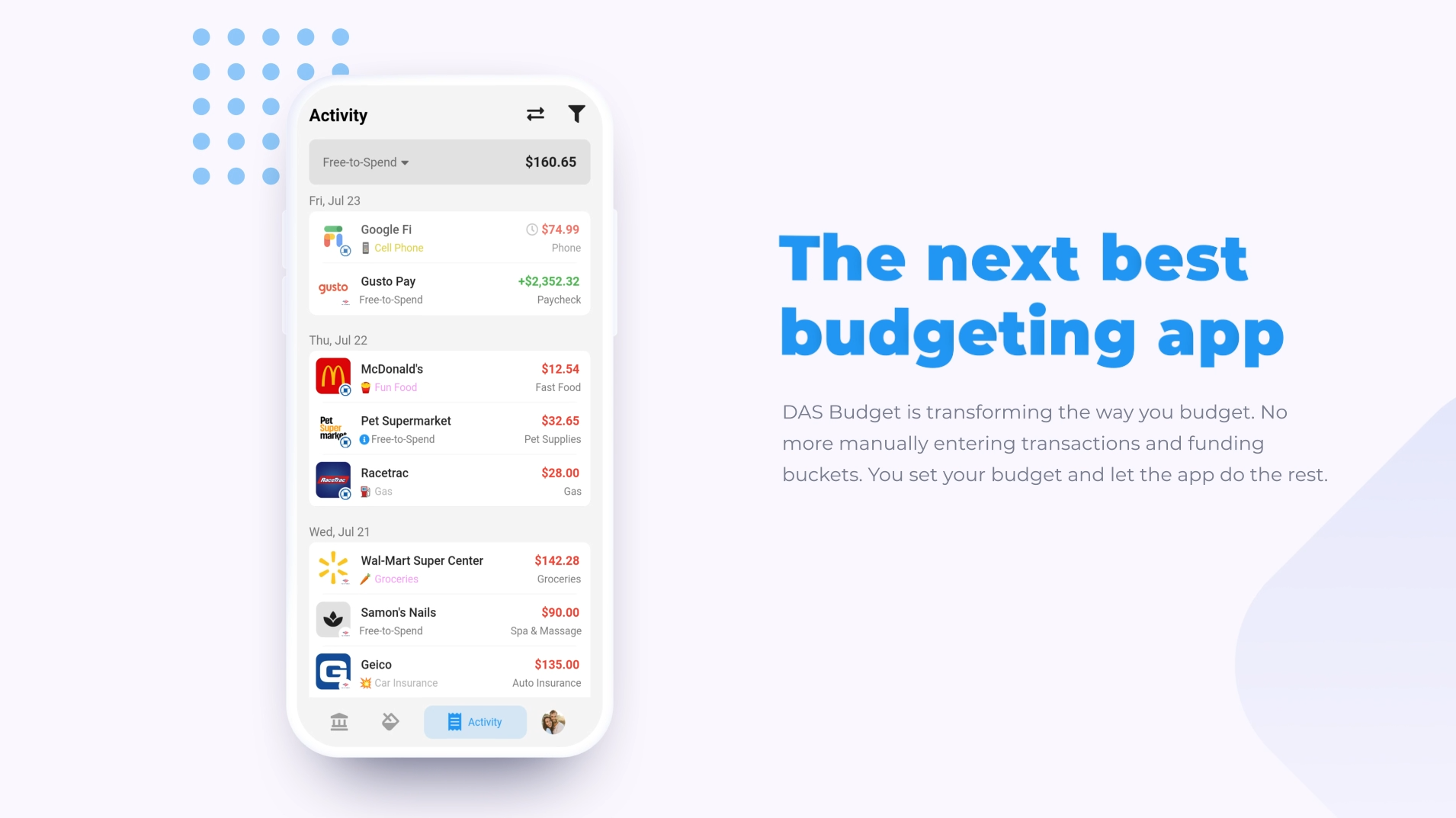
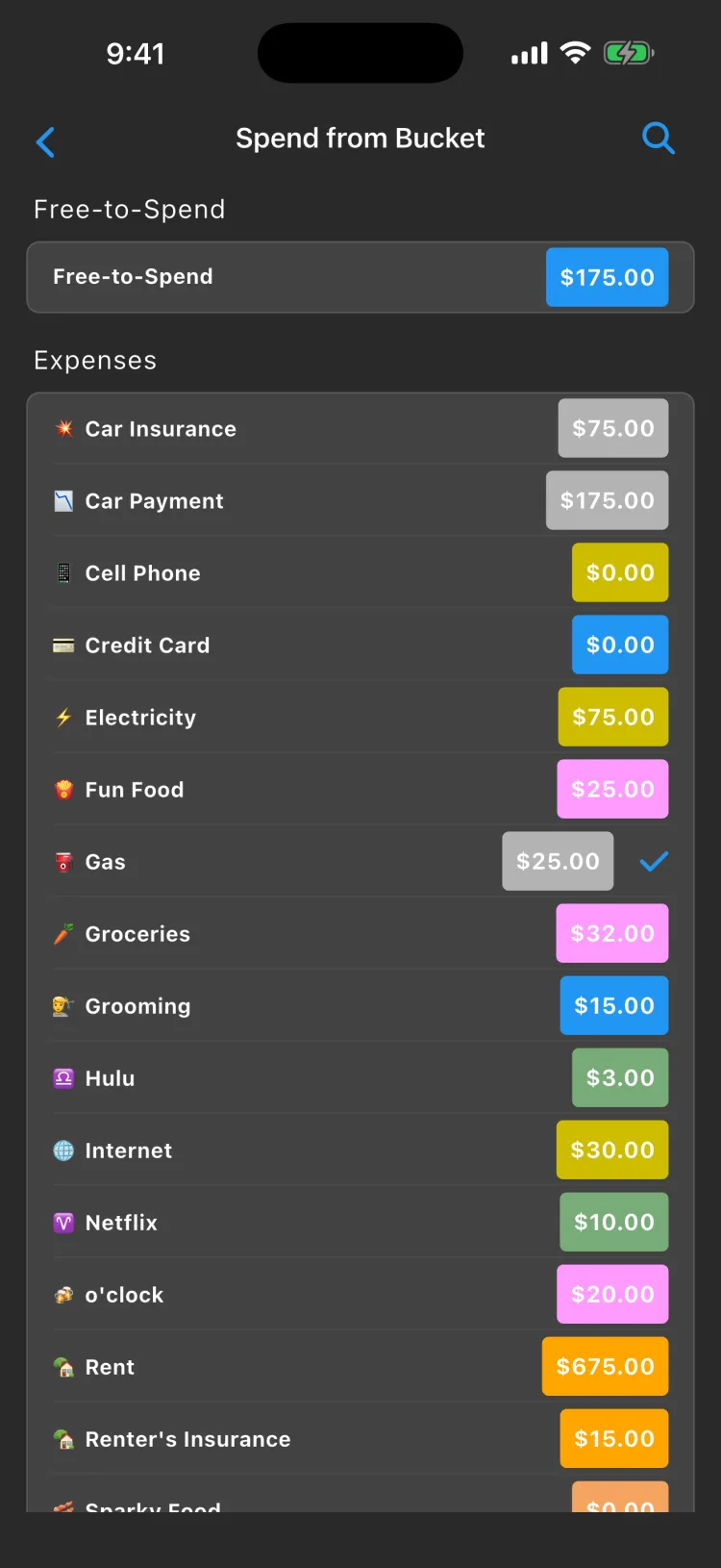
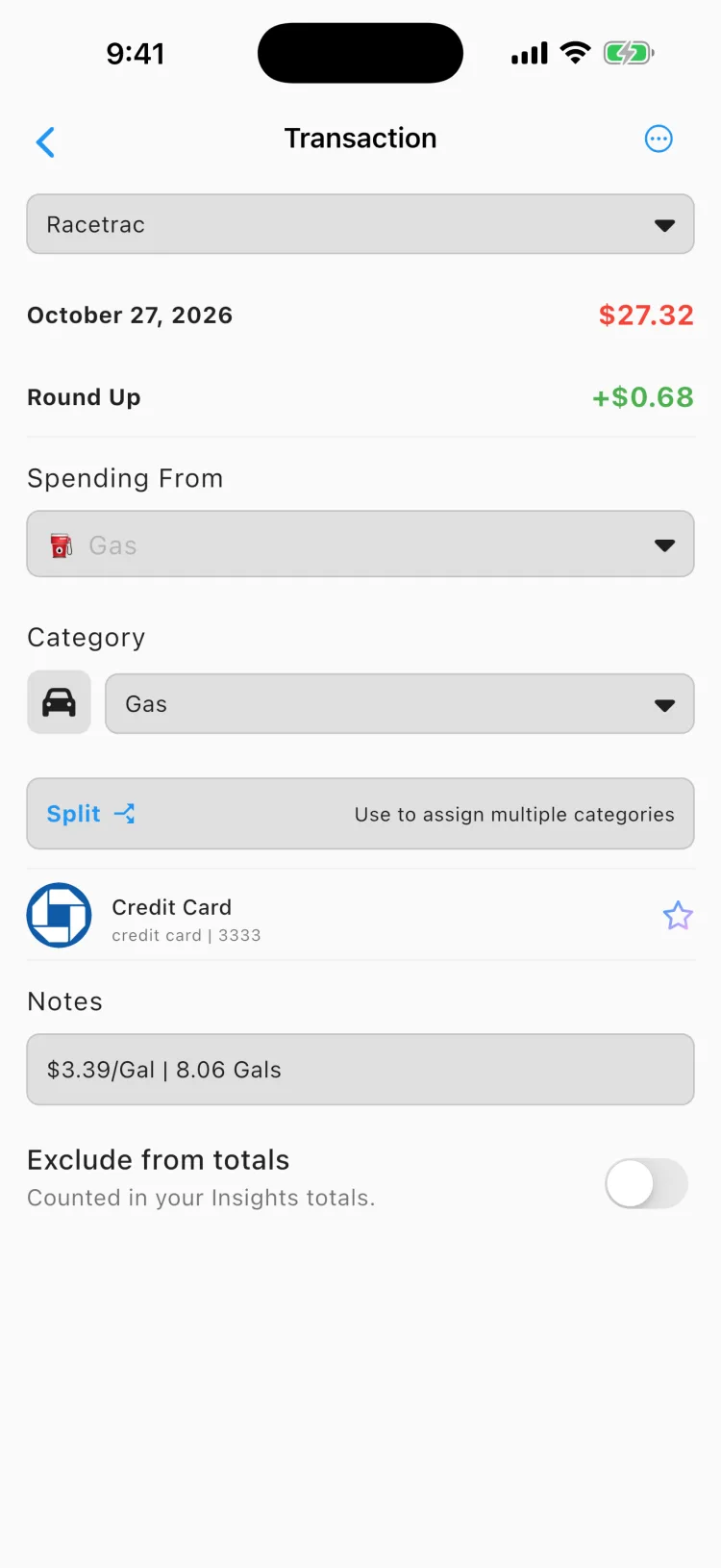
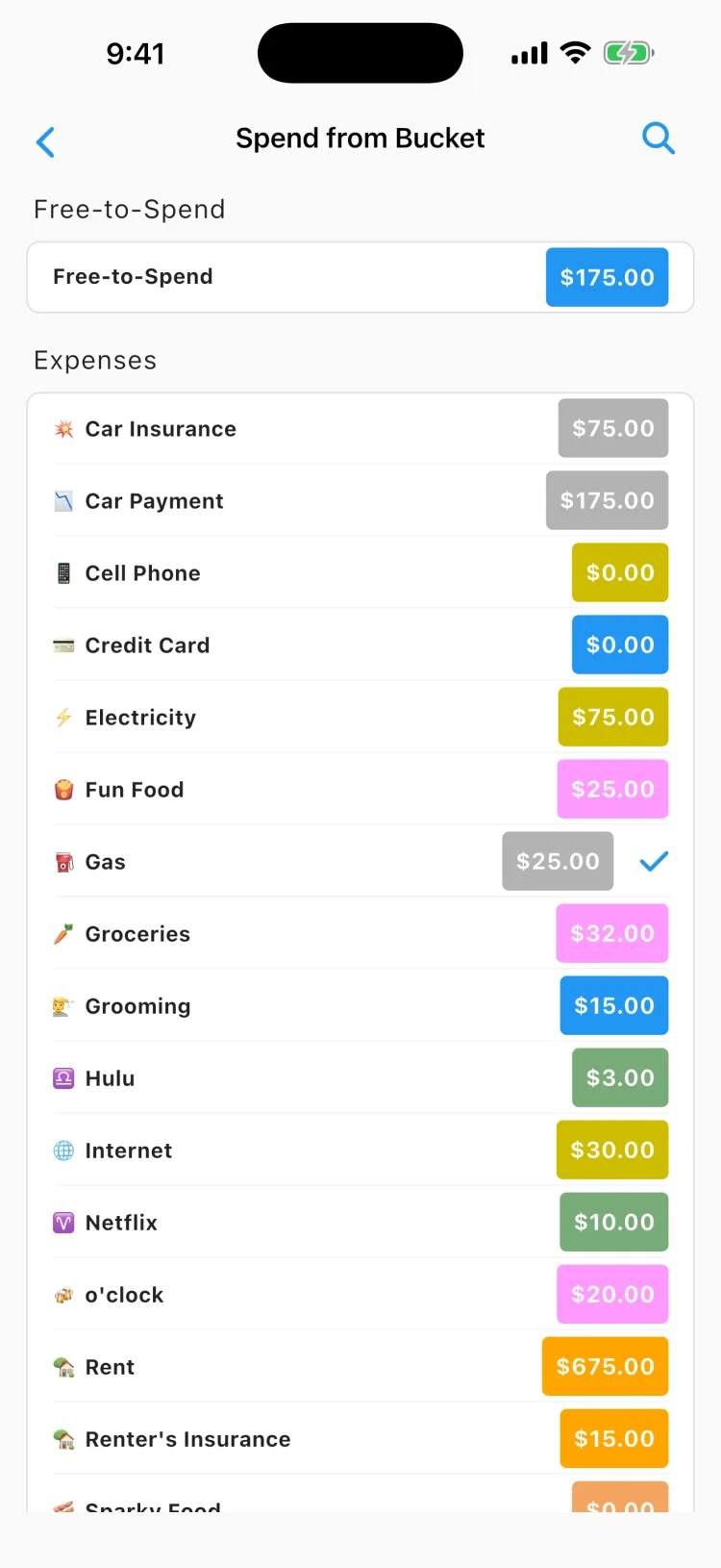
Create buckets based on categories of transactions. Each new transaction will be matched to a bucket and automatically spend from that bucket. Keeping your Free-to-Spend money safe.

Joint Budgets

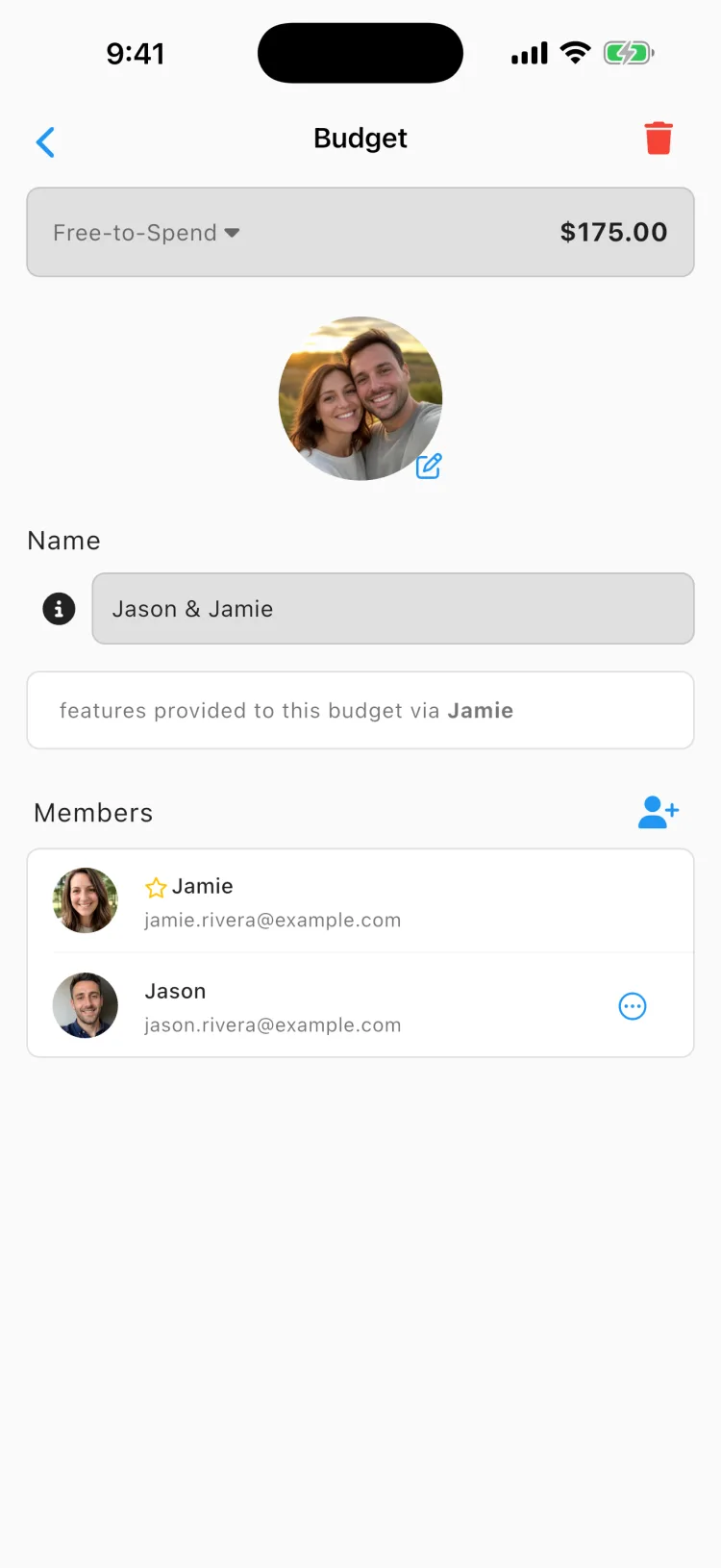
Create individual and joint budgets for you and your partner as a first-class feature. Beacon Budget works well for couples budgeting together.

features-mockup
features-mockup

Screenshots

Your money stays yours

Beacon is built to be trusted with your financial life.

Read-only access

Beacon can see your transactions to help you budget, but it can never move, send, or withdraw your money.

Bank-grade connections

Accounts connect through Plaid and MX, the same providers trusted by major banks. Your bank login never touches our servers.

Encrypted and secure

Your data is encrypted in transit and at rest on our servers, and your bank credentials are handled by Plaid and MX, never stored by Beacon.

Never sold

We don't sell your data or show you ads. Beacon is funded by subscriptions, not by your information.

Choose your plan

Start with a 1-month free trial. Cancel anytime, right from your app store.

Essentials

$4.99/mo
$44.99/yr Save 25%

1-month free trial

  • Connect up to 3 financial institutions
  • Push Notifications
  • Sync transactions 1-6 times per day
  • Automatic imported transactions
  • Shared budgets
  • Force sync transactions
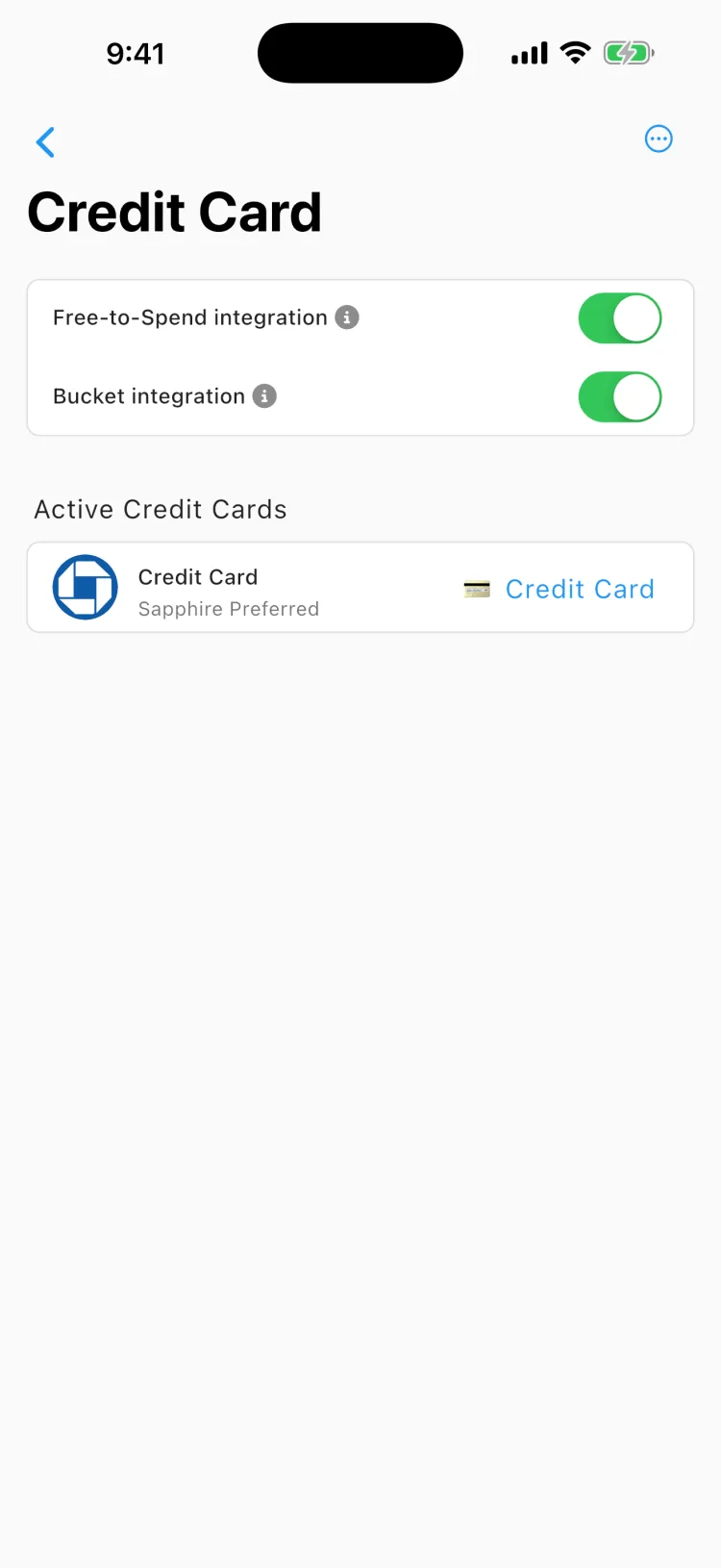
  • Credit Card Integration
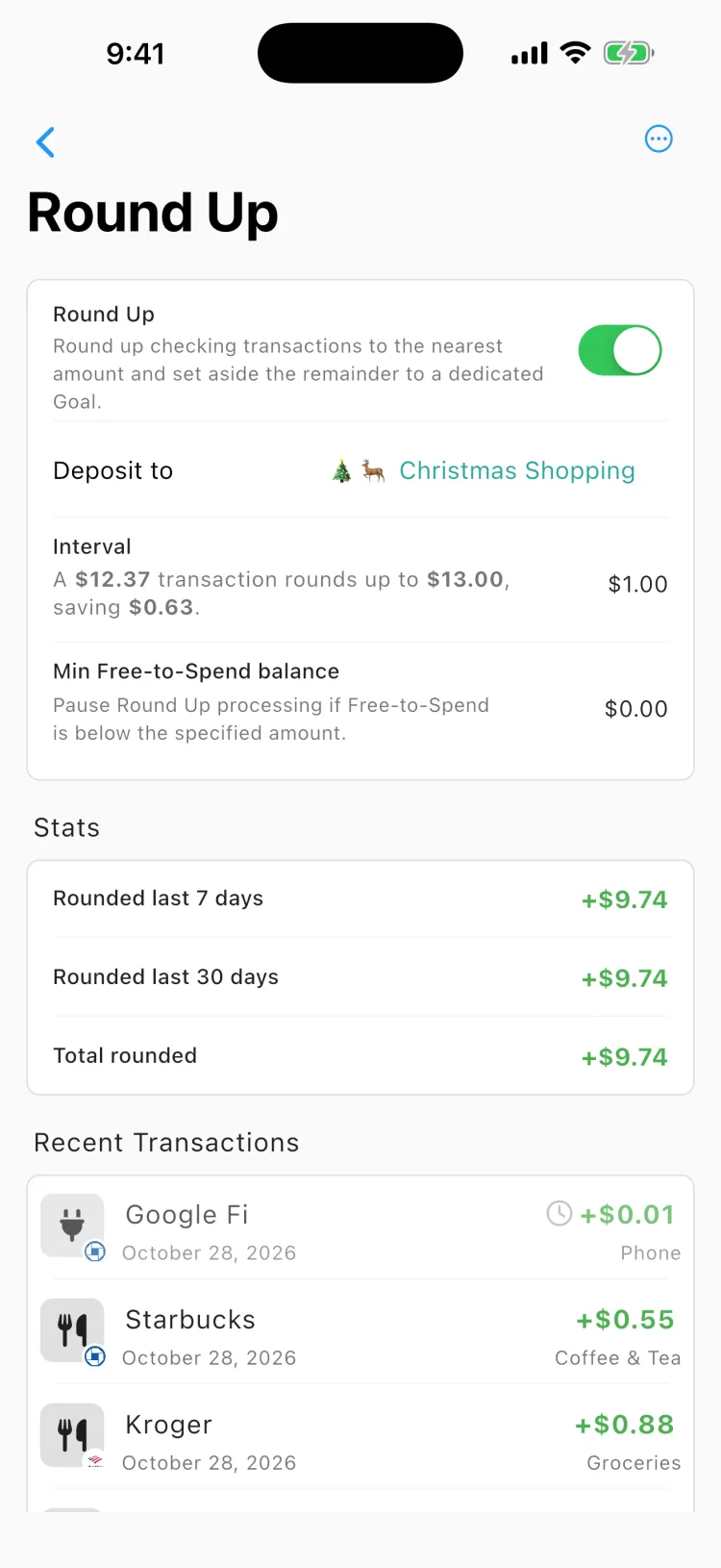
  • Round-up Goals

Download
Most Popular

Premium

$8.99/mo
$79.99/yr Save 26%

1-month free trial

  • Connect up to 10 financial institutions
  • Push Notifications
  • Sync transactions 1-6 times per day
  • Automatic imported transactions
  • Shared budgets
  • Force sync transactions
  • Credit Card Integration
  • Round-up Goals

Download

What people say

From real reviews on the App Store.

Beacon Budget FAQ

Check the FAQ below. If your question isn't there, just ask us.

Yes. Beacon Budget works with many financial institutions, including business-only banks.

You can reach out to support@beaconbudget.com and we'll be glad to assist you with any request.

You can download the latest version of Beacon Budget in Google Play or the App Store

Beacon Budget uses Plaid and MX to link your bank accounts. You sign in with them directly, and Beacon gets frequent transaction and balance updates throughout the day. These updates occur 1-6 times a day depending on the account, financial institution, and other factors.

Beacon Budget doesn't move money between bank accounts. It operates at a layer above your bank accounts and splits money into virtual buckets. Beacon Budget does not and can not move money between bank accounts.

Yes. Beacon connects to your bank read-only through Plaid and MX, so your bank login never touches our servers. Your data is encrypted in transit and at rest, and Beacon can never move or withdraw your money. We don't sell your data or show ads.

Beacon starts with a 1-month free trial. After that, Essentials is $4.99/month or $44.99/year, and Premium is $8.99/month or $79.99/year. You can cancel anytime directly from the App Store or Google Play, and you won't be charged if you cancel before the trial ends.

Yes. Beacon Budget is available on both the App Store and Google Play, and your budget stays in sync across your devices.

Yes. Beacon is built local-first, so your accounts, transactions, and budgets are available even without a connection. Changes sync automatically once you're back online.

Get In Touch